
01
Choose an audio file
Import an existing recording from Files or another app through the share sheet.
Audio import transcription
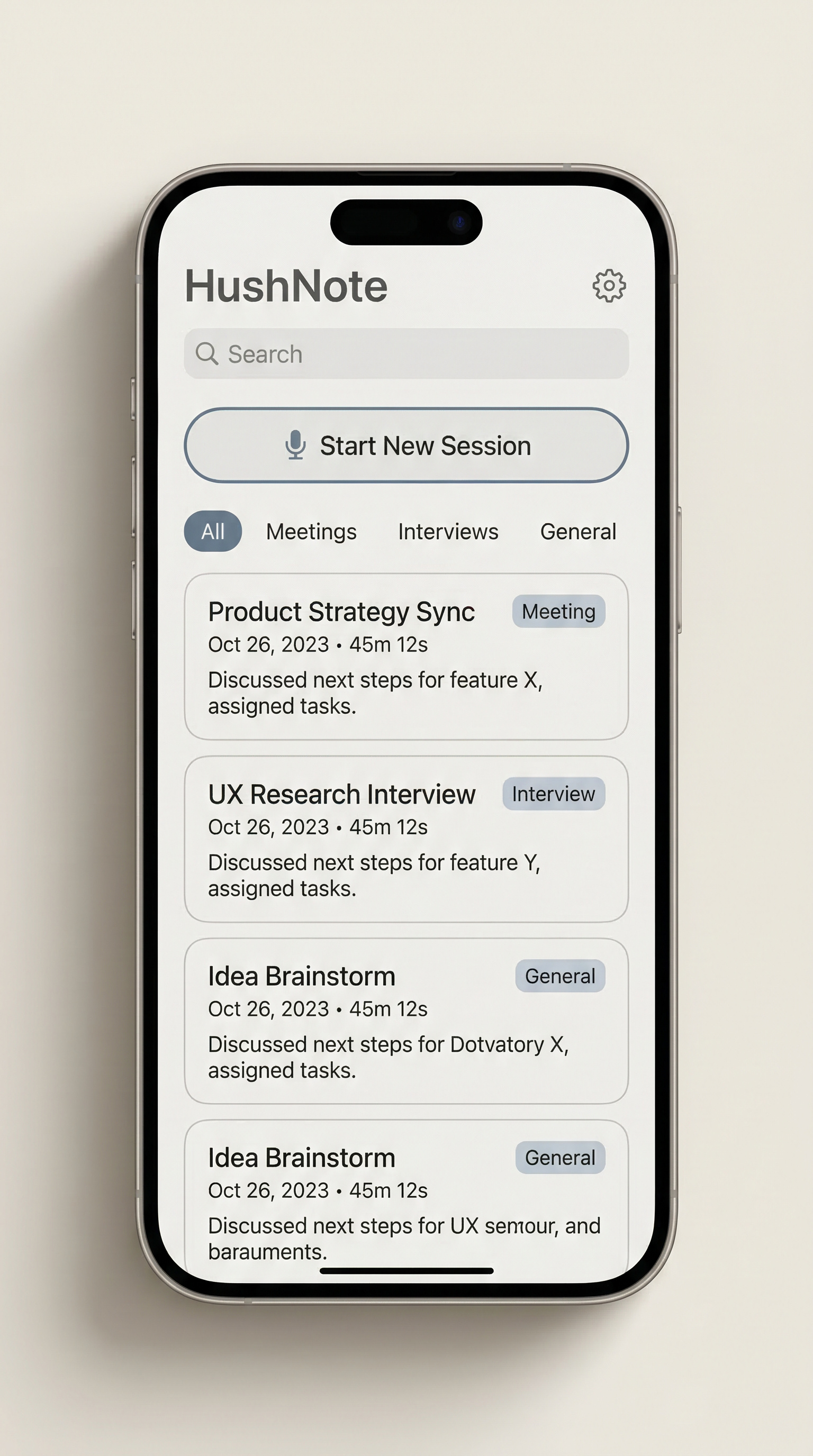
HushNote does not require every session to start as a live recording. Import existing audio and carry it through transcription, summary, key moments, and export.
Core topics
Import does not change the privacy posture.
Imported audio follows the same local-first product direction. Cloud summaries and cloud Ask HushNote remain optional and use only the third-party provider you configure.
Built for
Useful when meetings, interviews, classes, or voice memos were captured somewhere else but still need a readable transcript and a reviewable summary.
Workflow
Import audio files into HushNote on iPhone, transcribe them, review summaries and key moments, and export structured notes.
01
Import an existing recording from Files or another app through the share sheet.
02
HushNote shows task state while the imported audio moves through transcription.
03
Read the result, scan summaries, and return to moments that matter.
04
Turn the imported recording into transcript, summary, moments, and audio exports.
Why import matters
Many important files already live in Files, Voice Memos, or another app. HushNote gives those files a path into transcription and review.
Files and share sheet import
Local-first processing
Optional cloud features
Get started
Record or import audio, then try transcription, summaries, key moments, and export.