
01
Record the meeting
Start a session on iPhone and keep the interface focused on capture instead of setup.
Meeting notes
HushNote helps you follow mixed Chinese-English speech and speaker labels during a meeting, then refines the transcript and speaker timeline for review.
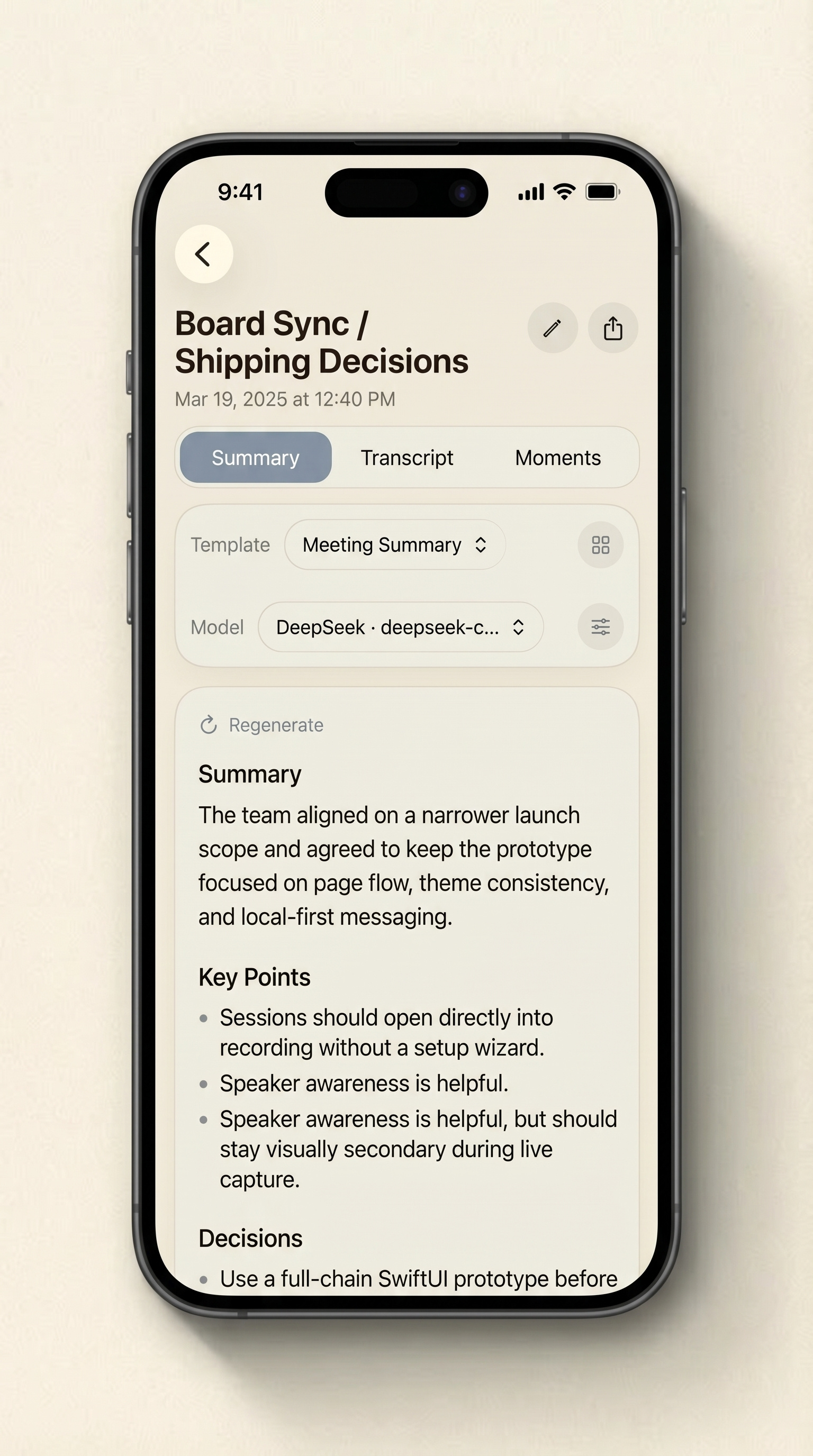
Core topics
Private by default, cloud only by choice.
Recording and live transcription run on your iPhone by default. Cloud summaries and cloud Ask HushNote send relevant transcript content only when you configure and use a third-party provider yourself.
Built for
Useful for founders, product managers, consultants, project leads, and anyone who needs to turn spoken discussion into something they can scan later.
Workflow
Record meetings on iPhone with mixed-language live transcription, real-time speaker labels, post-recording refinement, summaries, and private meeting notes.
01
Start a session on iPhone and keep the interface focused on capture instead of setup.
02
Follow mixed-language text and speaker labels during recording so the audio is no longer the only source of truth.
03
Scan important points, decisions, notes, and follow-up material without replaying the whole recording.
04
Share the transcript, summary, key moments, or original audio when the result is ready.
Why not a normal recorder
Long audio files are hard to search and easy to ignore. HushNote is built for the work that starts after the recording ends.
No account required
On-device live transcription
Optional cloud features
Get started
Record or import audio, then try transcription, summaries, key moments, and export.